Setup process to integrate HubSpot with loopDial application.
- Register with loop91.com : Visit Register page and register your self. If you are already registered, please skip this step.
- Login into app.loopdial.loop91.com.
-
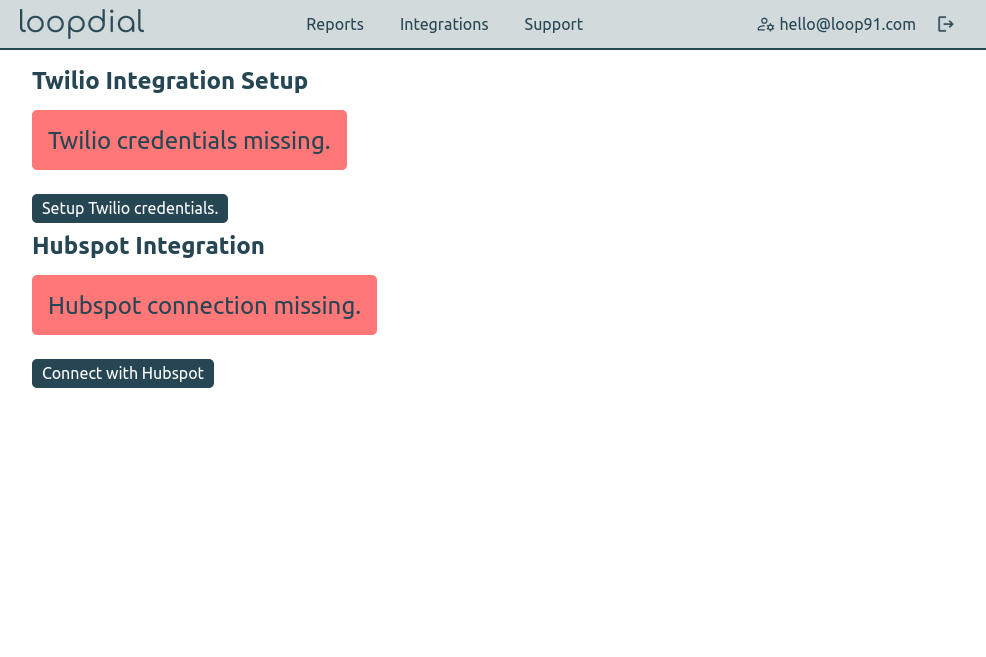
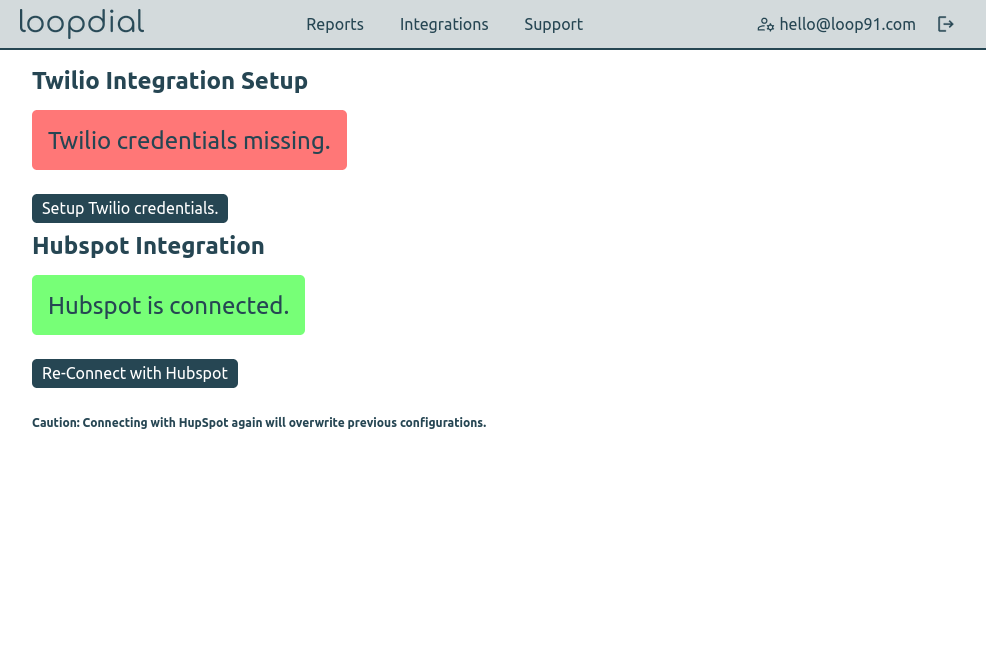
Open integrations page. ( Link )
-
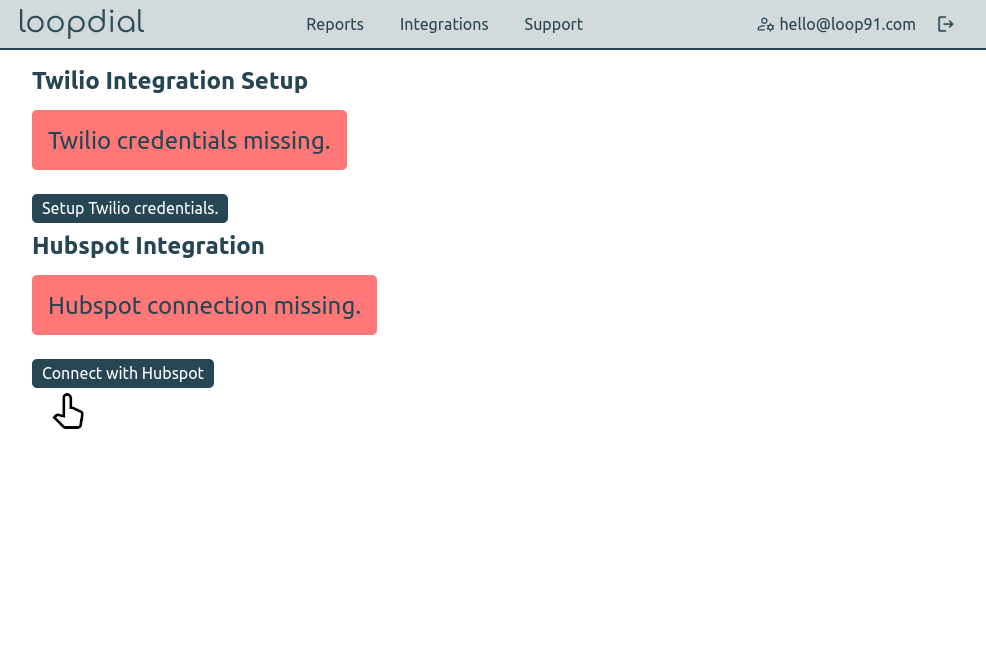
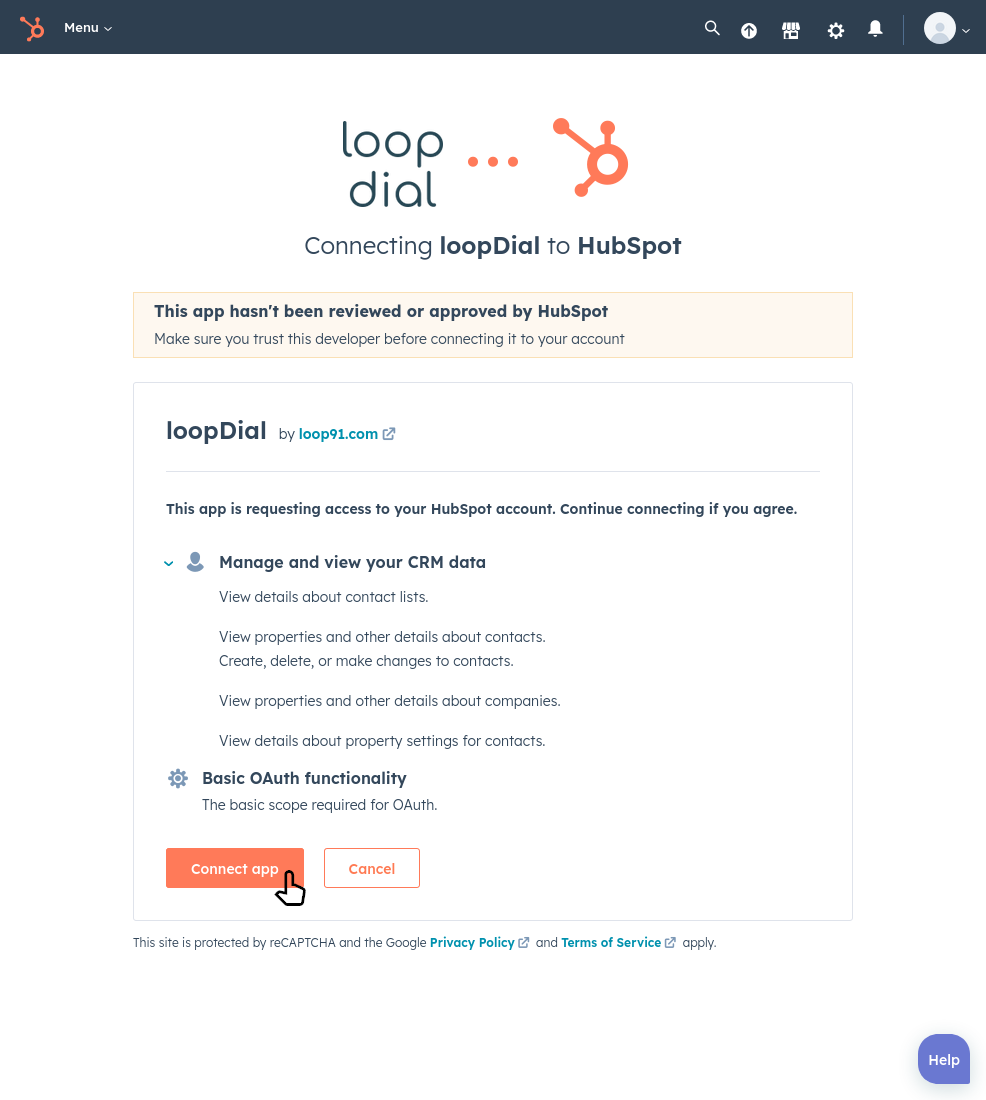
Click on `Connect with Hubspot`
-
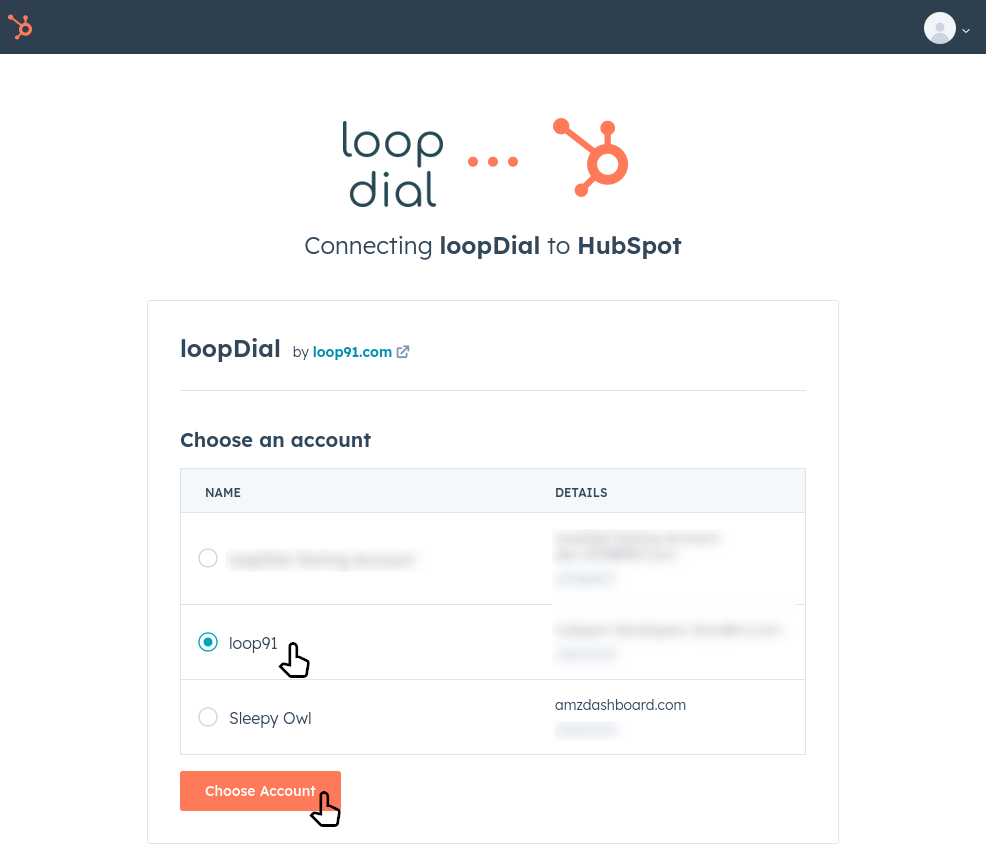
Follow steps on HubSpot's website.
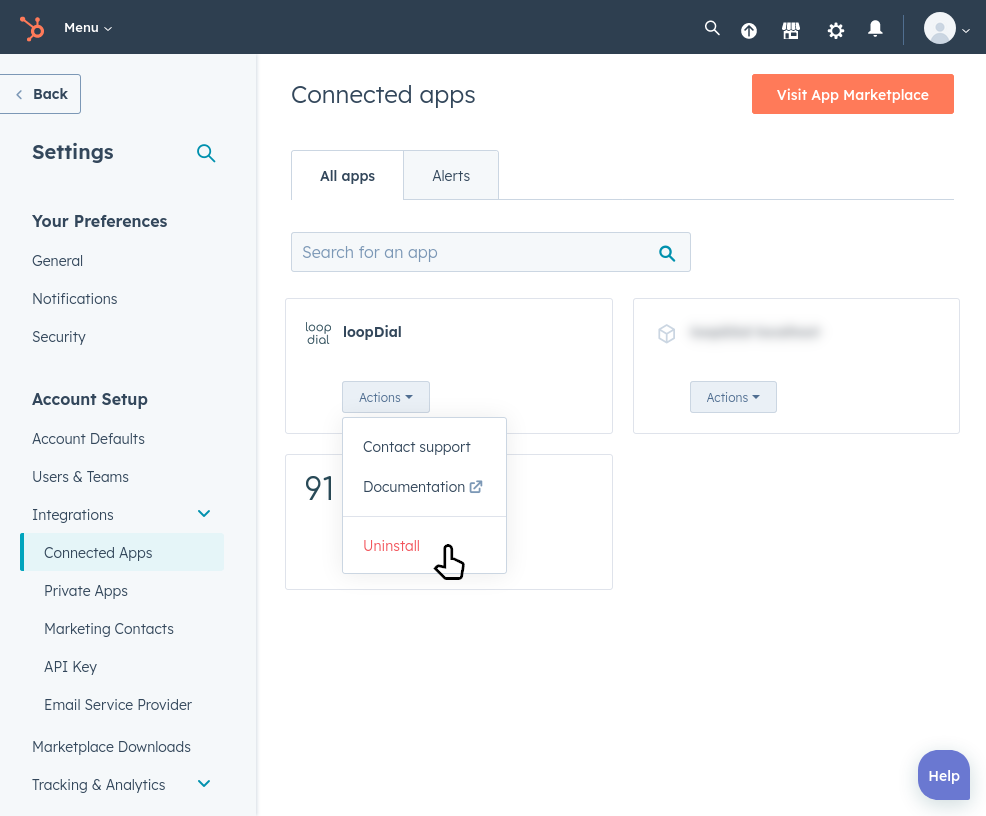
Uninstall / Remove loopDial application
-
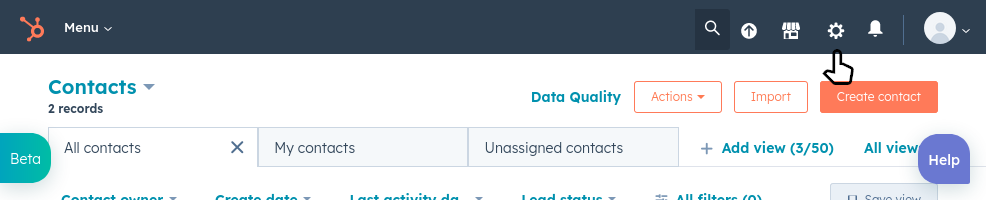
Visit settings on your HubSpot account
-
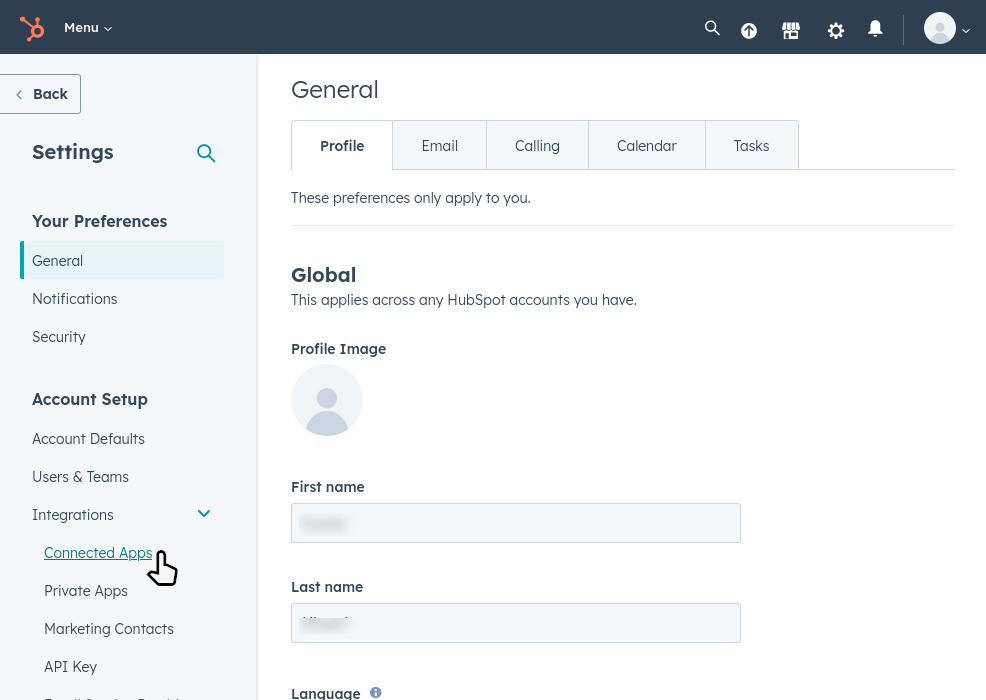
Click on Integrations > Connected Apps
-
Click on Uninstall to remove the loopDial application